The "Secret" Ingredient: Why We Write Long Intros (and How to Escape Them)
Ever wonder why food bloggers write long stories? Learn the truth behind the text and how to skip it. Plus, discover how ReelToMeal turns social media videos in
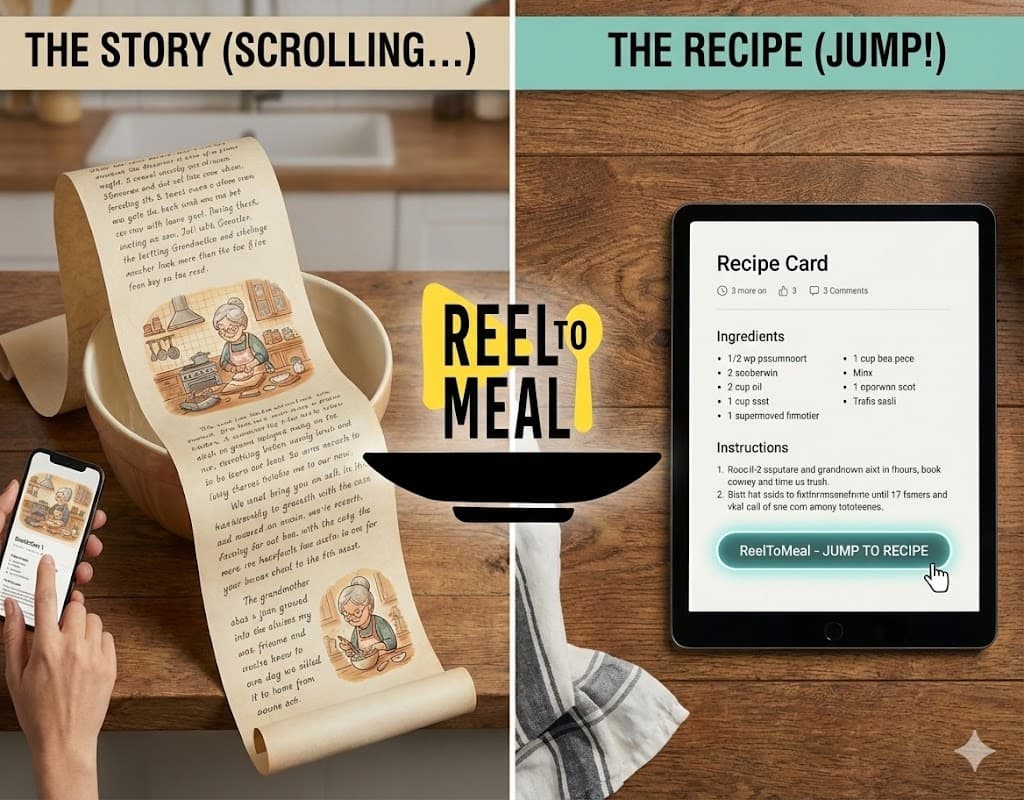
If you’ve ever just wanted to know how many eggs go into the brownies, but instead found yourself reading a 1,200-word essay about the blogger’s grandmother’s rainy autumns in Vermont... I hear you.
It’s one of the biggest complaints in the food world: "Just give me the recipe!"
Today, I’m pulling back the curtain to explain why we do it—and sharing the ultimate hack to bypass the fluff (even on TikTok!).
The Real Reason for the Novel
It’s not just because we love hearing ourselves type. There are three main reasons you have to scroll past my childhood memories to get to the cookies:
- Google is Hungry: Search engines prioritize pages with "high-quality content," which algorithms often interpret as length. If I just posted a list of ingredients, Google might think my page is "thin" and push it to page 10.
- Ads Keep the Lights On: Developing recipes costs money (have you seen the price of butter?). The longer you stay on the page reading, the more ads load. This allows us to provide recipes for free.
- Copyright Law: A list of ingredients cannot be copyrighted, but the story accompanying the recipe can be. Writing a narrative protects our hard work from being stolen by bots.
How to Skip Straight to the Good Stuff
Okay, now that you know why the story is there, here is how you can respectfully ignore it and get dinner on the table faster.
1. The Classic "Jump to Recipe"
Almost every modern food blog has a "Jump to Recipe" button at the very top of the page. Click it. It’s a magic portal that teleports you past the ads directly to the ingredients card.
2. The Game Changer: ReelToMeal
The "Jump" button is great for blogs, but what about when you find a recipe on Instagram Reels, TikTok, or YouTube Shorts? There is no button there—just a video you have to pause fifty times to write down the ingredients.
This is where my new favorite tool comes in: ReelToMeal.
It is an AI-powered life saver that solves the "messy recipe" problem perfectly.
- Video to Text: You just paste the URL from a TikTok, Reel, or YouTube video, and the AI extracts the recipe instantly. No more scribbling notes while re-watching a video 10 times.
- Clean & Printable: It turns chaos into a structured, distraction-free recipe card that you can actually print or save.
- Unit Conversion Magic: If a video uses "sticks of butter" but you use grams, ReelToMeal automatically converts the measurements (Imperial to Metric) for you.
- "What's in my Fridge?": If you don't even have a video, you can tell the app what ingredients you have, and the AI will generate a recipe for you, complete with an AI-generated photo of what it should look like.
It’s completely changed how I save recipes from social media. You can even curate your own digital cookbook within the app.
The Bottom Line
So, the next time you see a wall of text on a blog, remember: we write it to keep our jobs. But feel free to hit that "Jump" button—or use ReelToMeal to turn that chaotic viral video into a clean recipe card—because we know you’re just here for the food.
Happy Cooking!