What's in the Fridge? The Ultimate No-Waste Guide
Turn leftovers into gourmet meals! 🧊 Follow our guide to using the "What’s in the Fridge?" AI tool on Reel to Meal. Start cooking like a pro!

1\. Enter the Kitchen: Head over to reeltomeal.app.
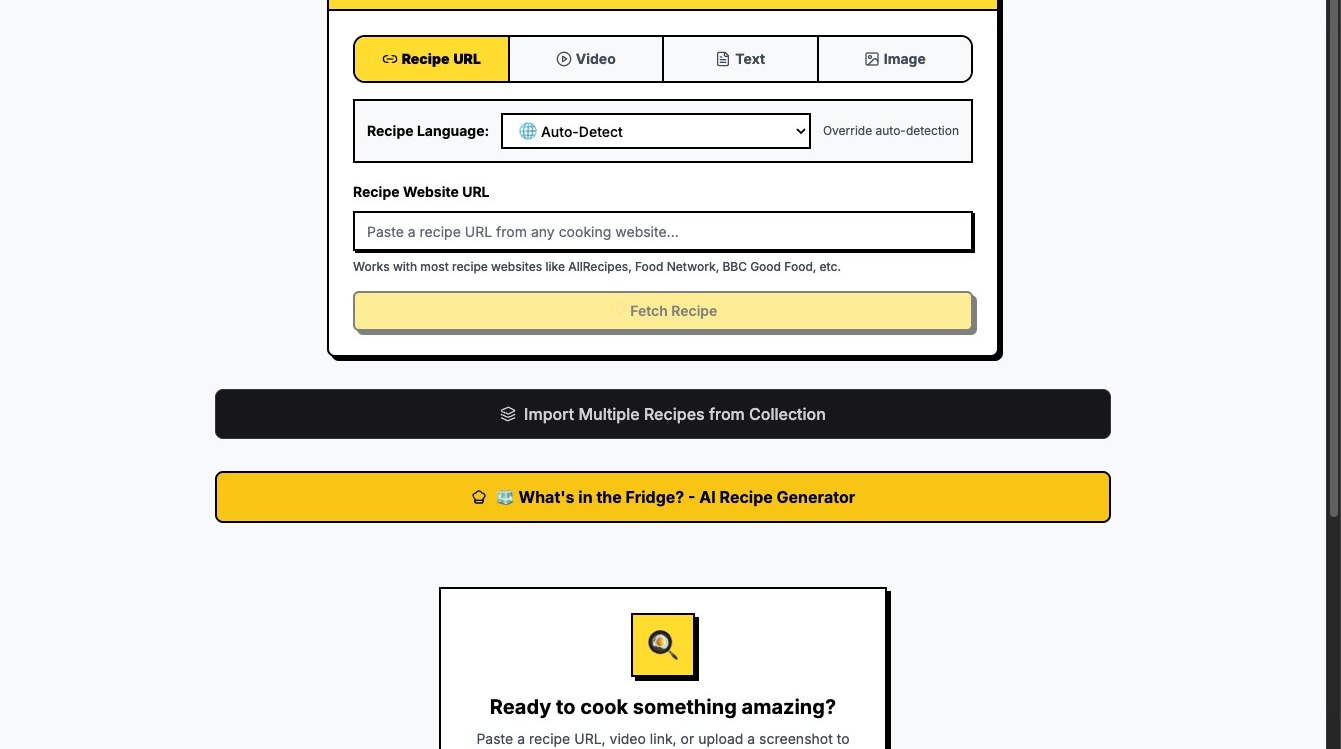
2\. Open the Fridge: Tap that "🧊 What's in the Fridge?" button. This is where the magic starts.

3\. Pick Your Players: Click the icons for what you actually have. For this run, we’re using:
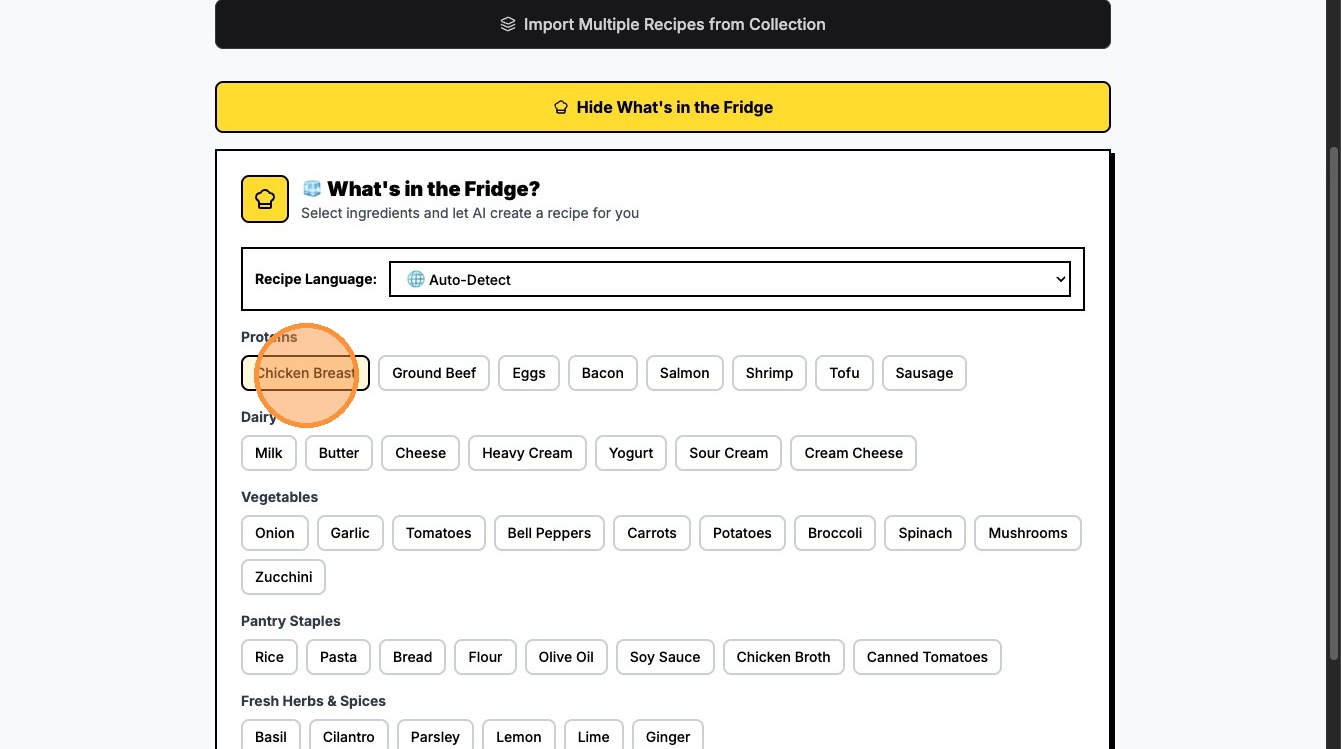
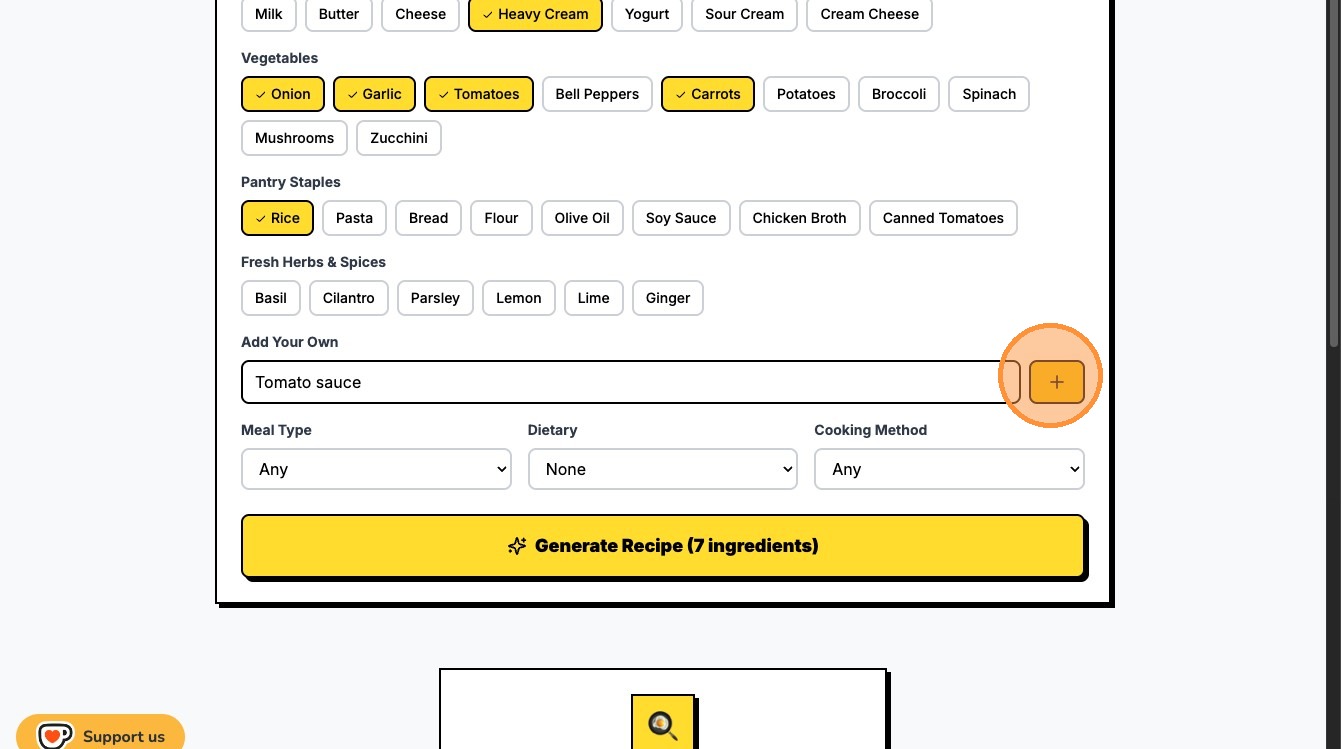
4\. Add Your "Wildcards": Don't see an icon for it? No sweat. Click the "Type an ingredient..." box, type "Tomato sauce," and hit that Plus icon to add it to the mix.
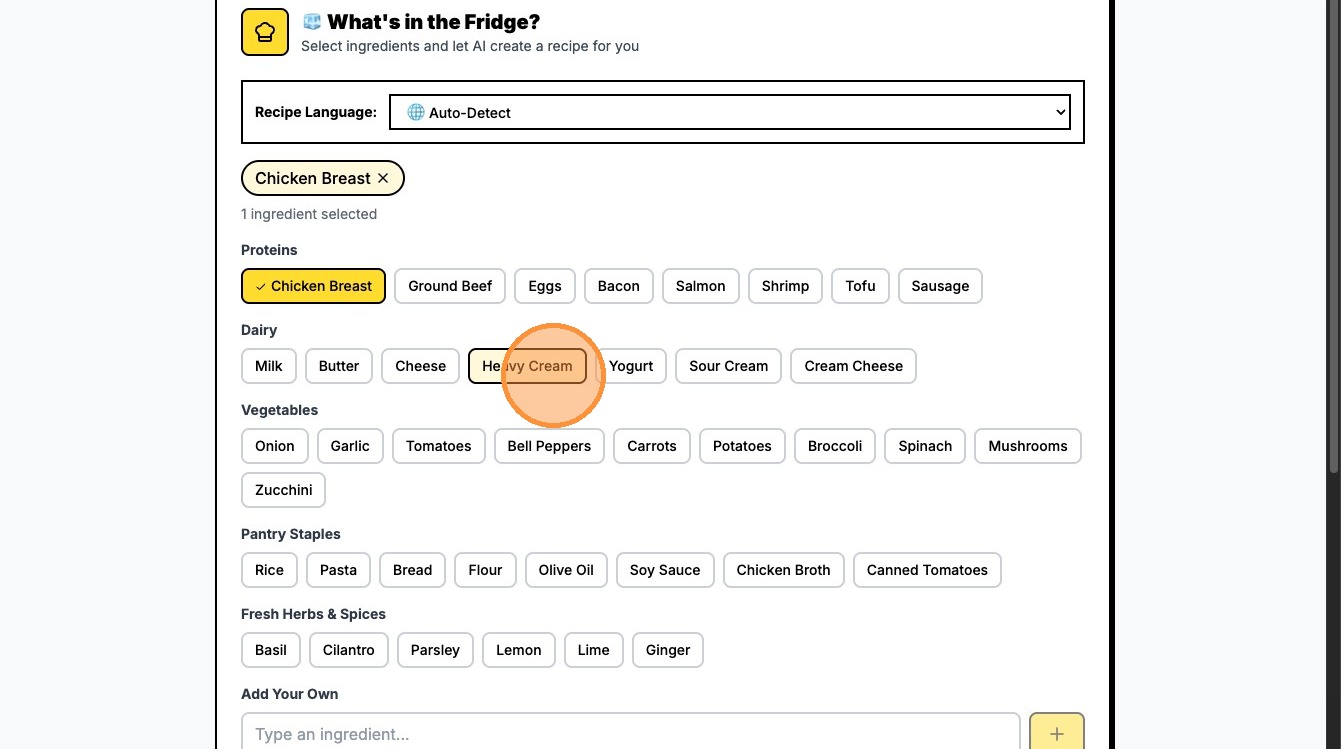
5\. Aromatic #1: Click "Garlic" (because... obviously!).

6\. Aromatic #2: Click "Onion" to build that flavor base.
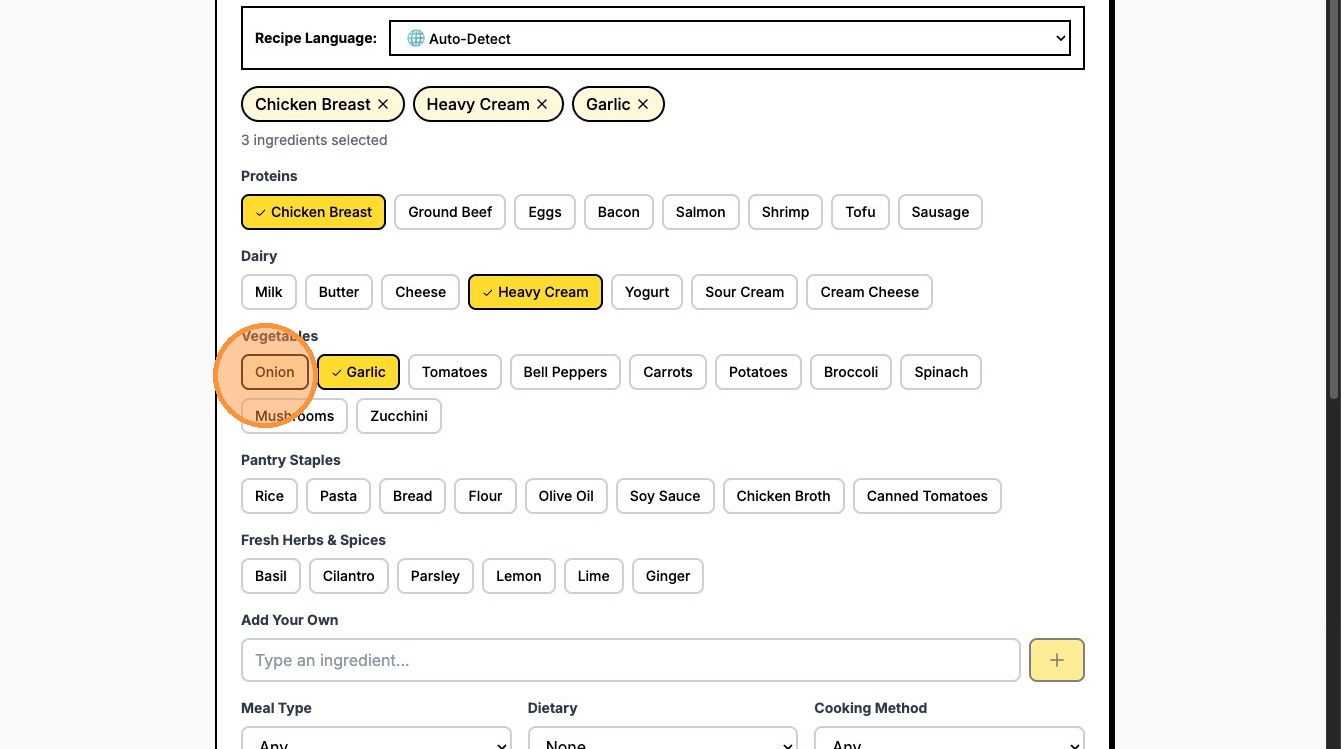
7\. Freshness: Click "Tomatoes" for a juicy kick.
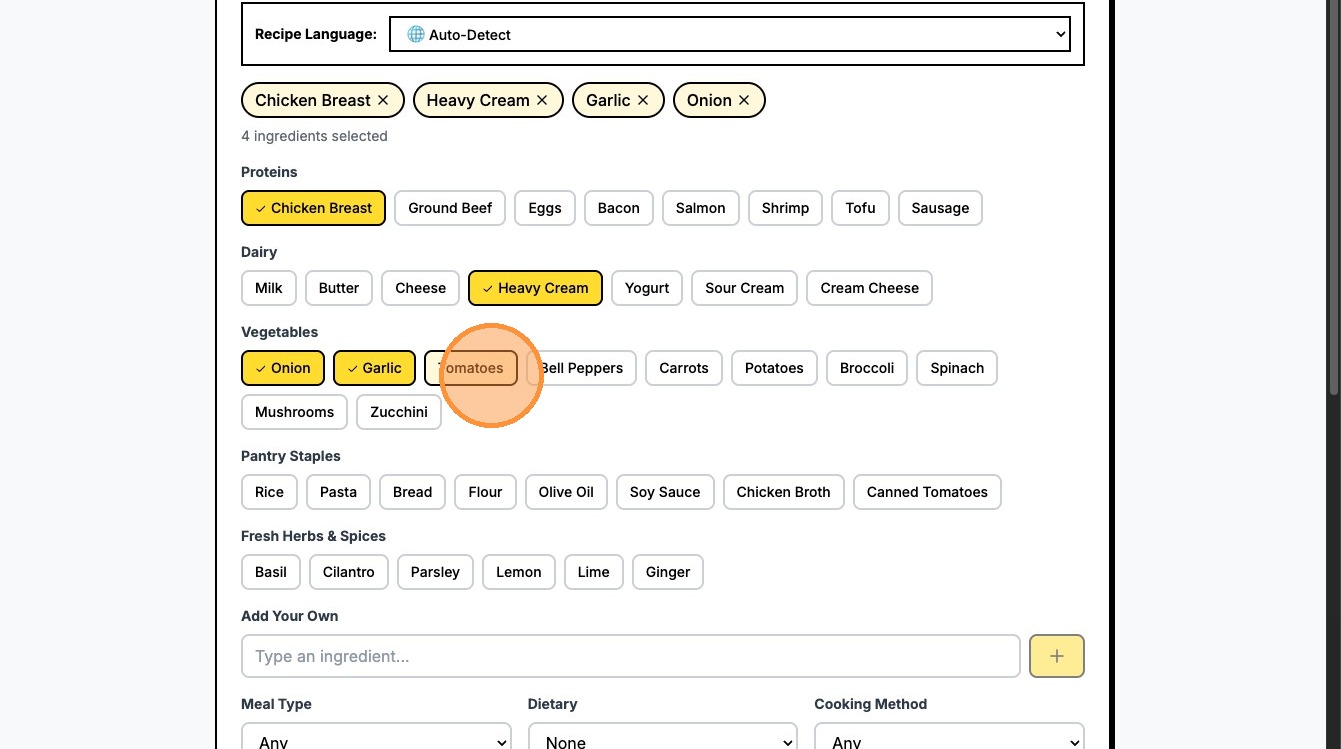
8\. The Crunch: Click "Carrots" to add some color and sweetness.

9\. The Foundation: Click "Rice" to soak up all that sauce.
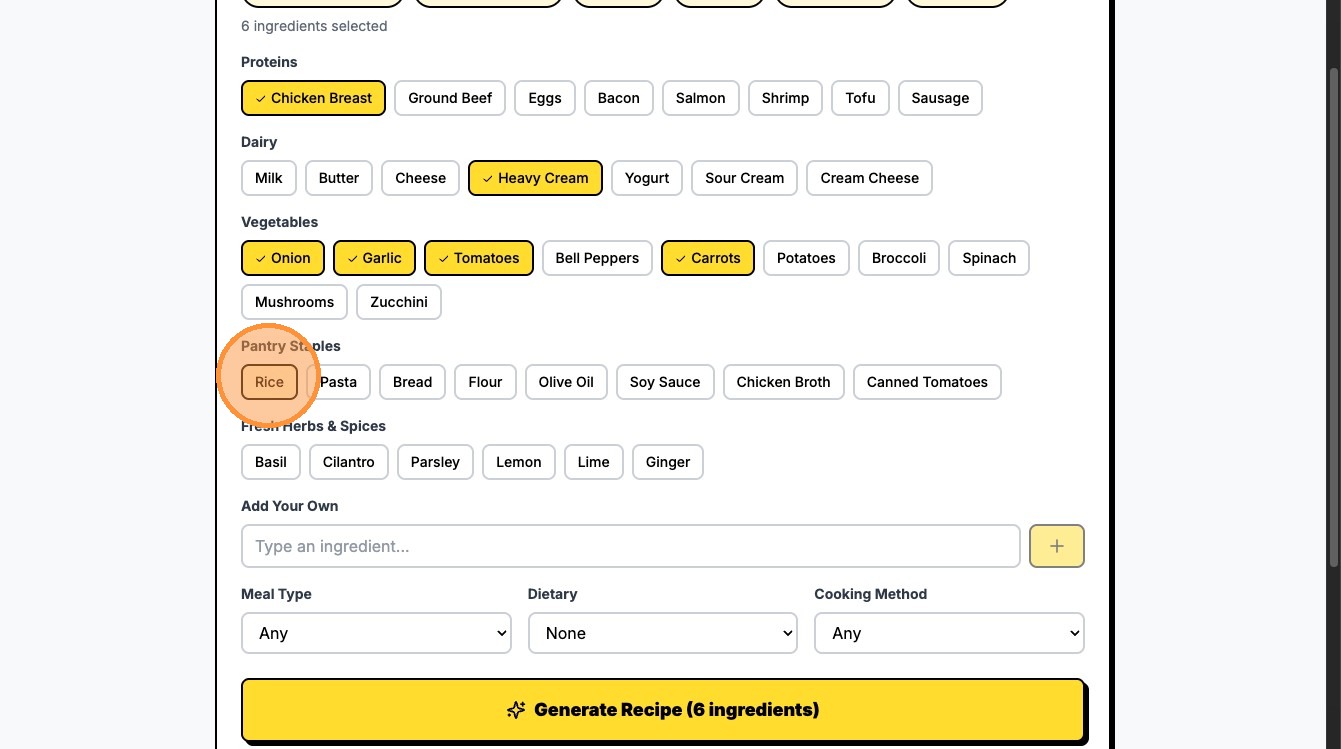
10\. The Wildcard: Click the "Type an ingredient..." field to add your own secret stash.
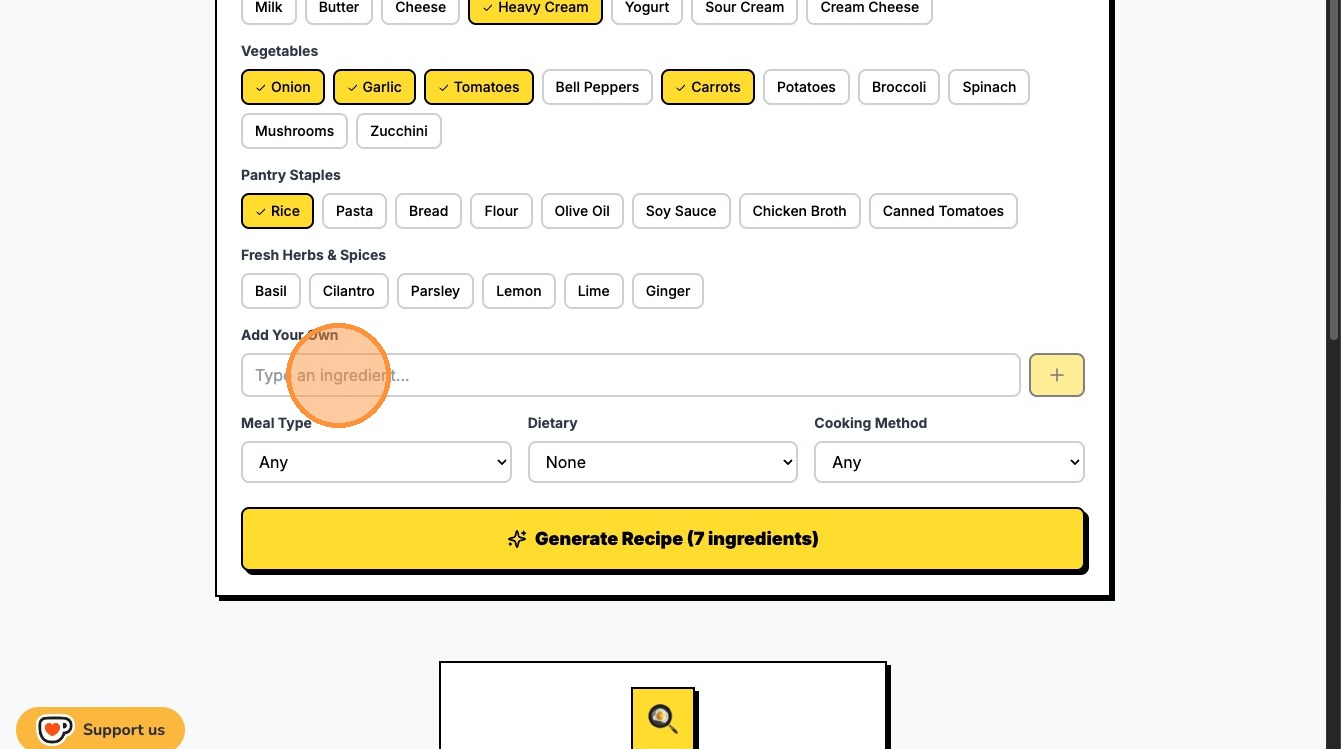
11\. Get Specific: Add your own "Tomato sauce" into the box.
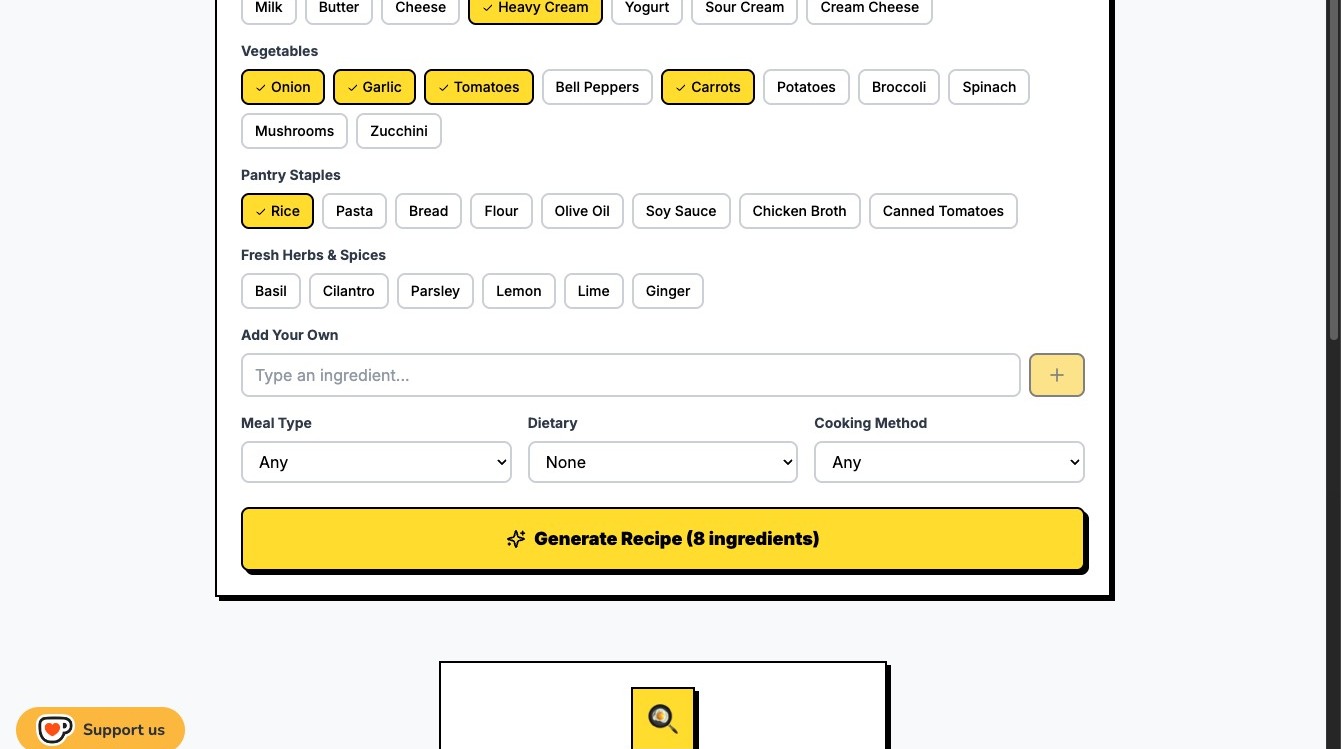
12\. Add it to your list: Click the Plus (+) icon to officially add it to your list.
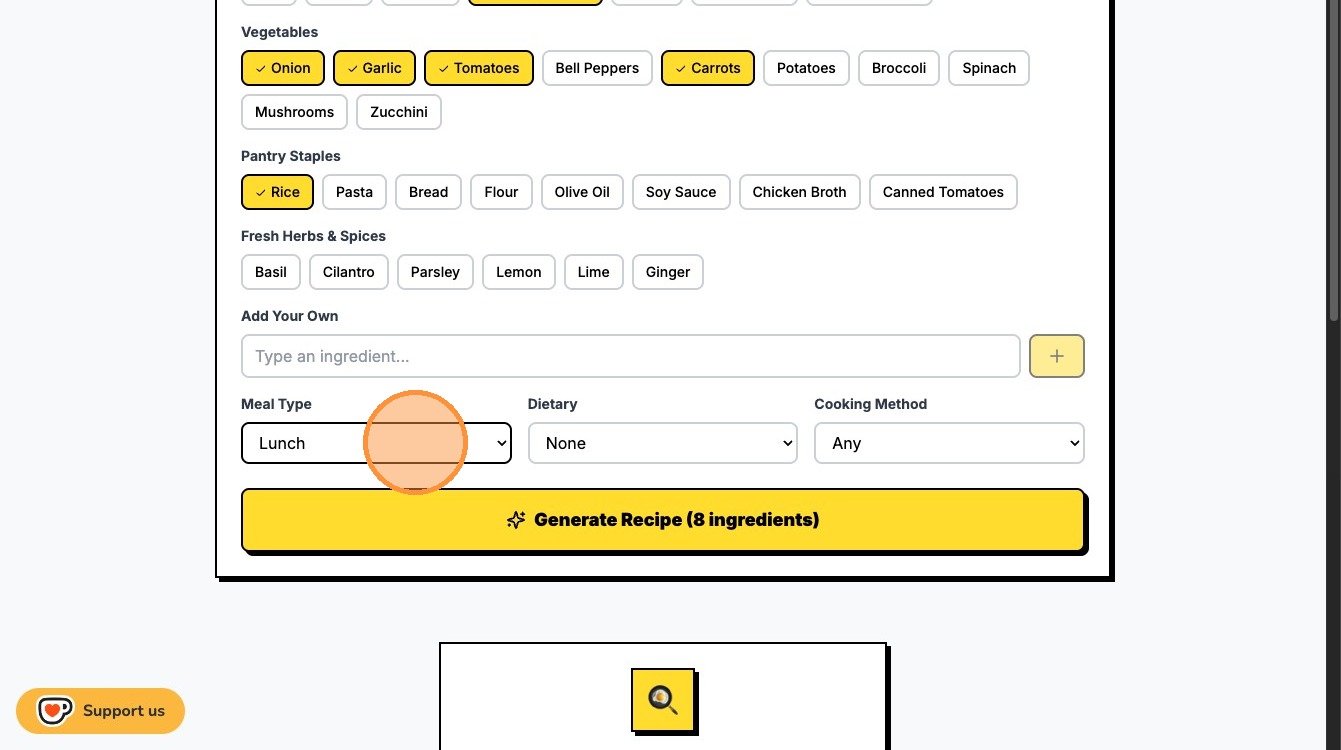
13\. Meal Type: Select the "Lunch" option for the perfect midday meal.
14\. Dietary: Click the Cooking Method dropdown.
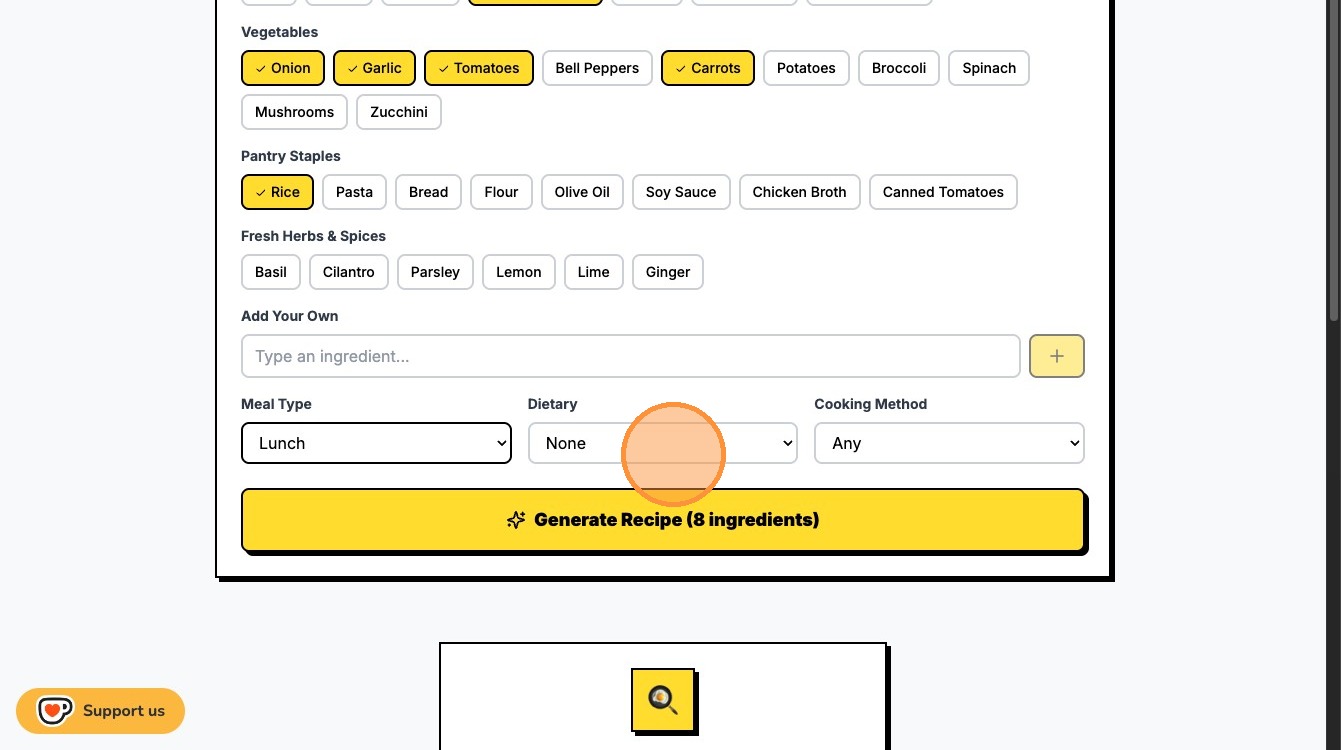
15\. Heat it Up: Select the "Cooking Method" option.
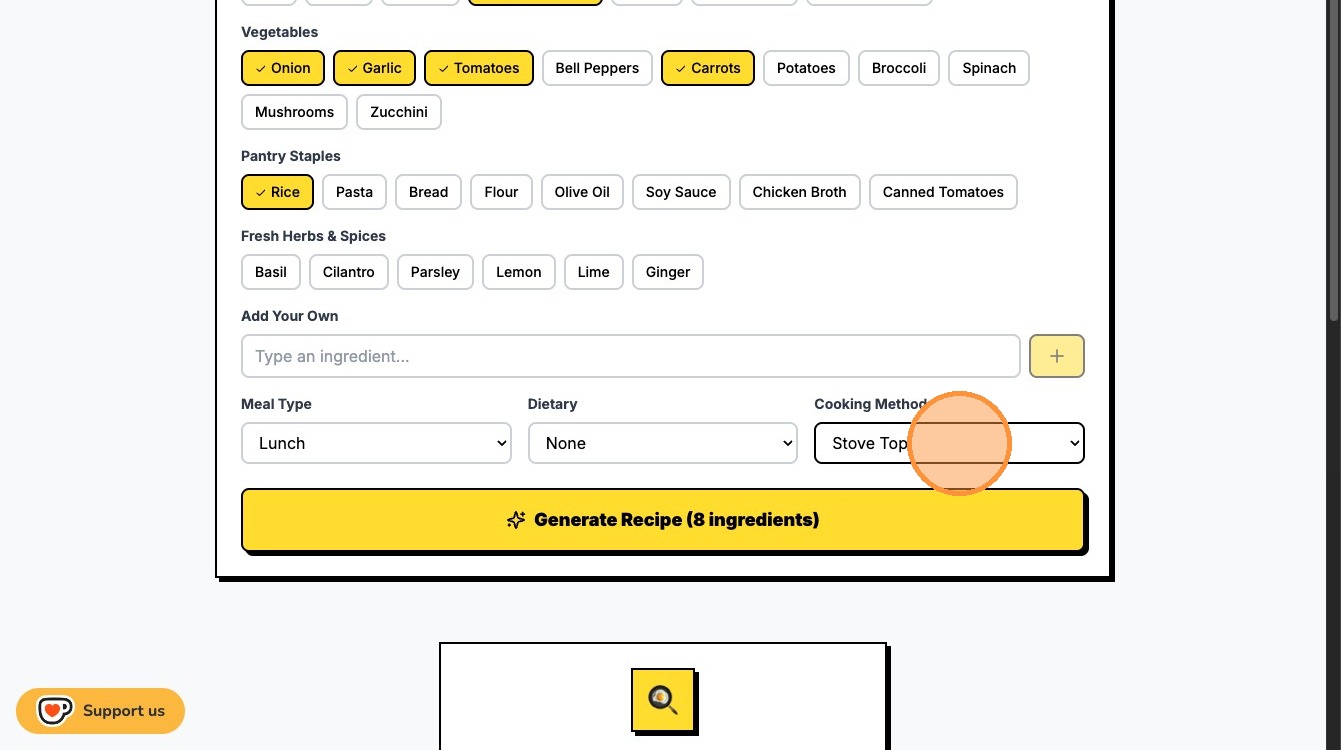
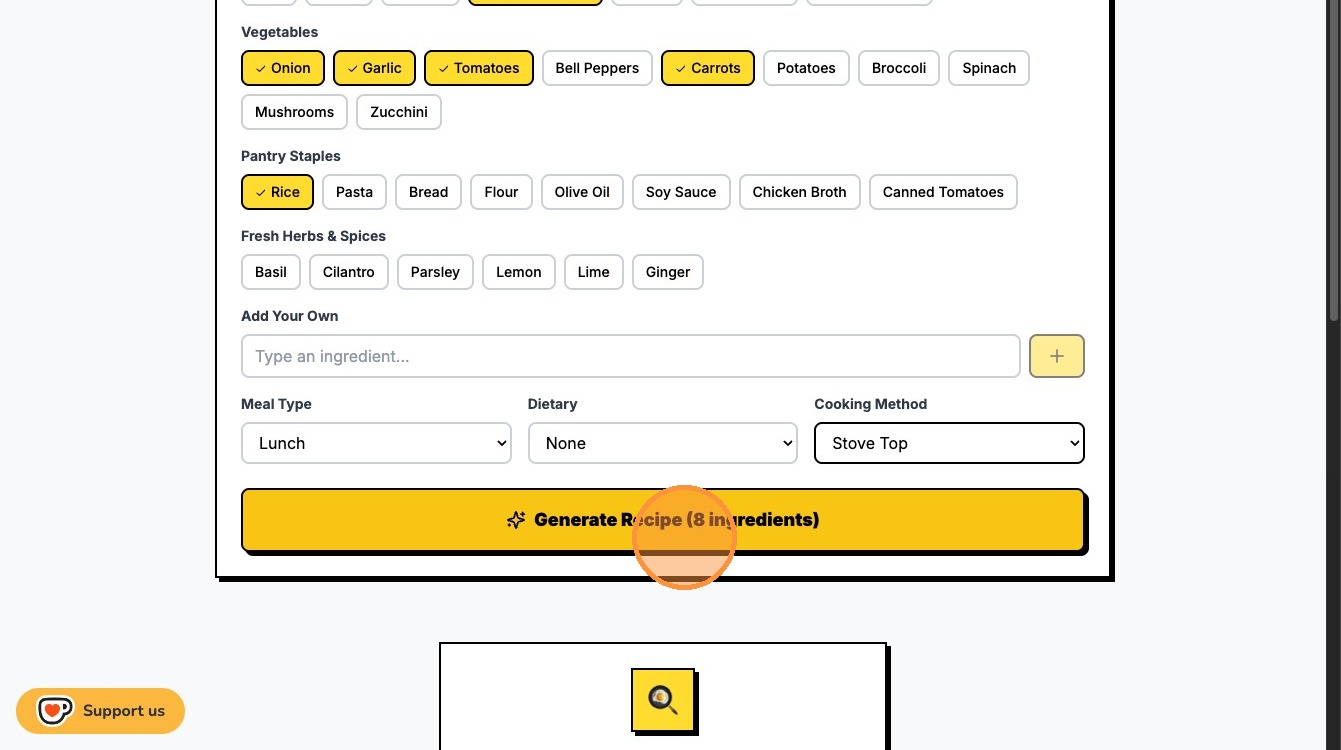
16\. The Big Moment: Click "Generate Recipe (8 ingredients)" and watch the AI brain work.
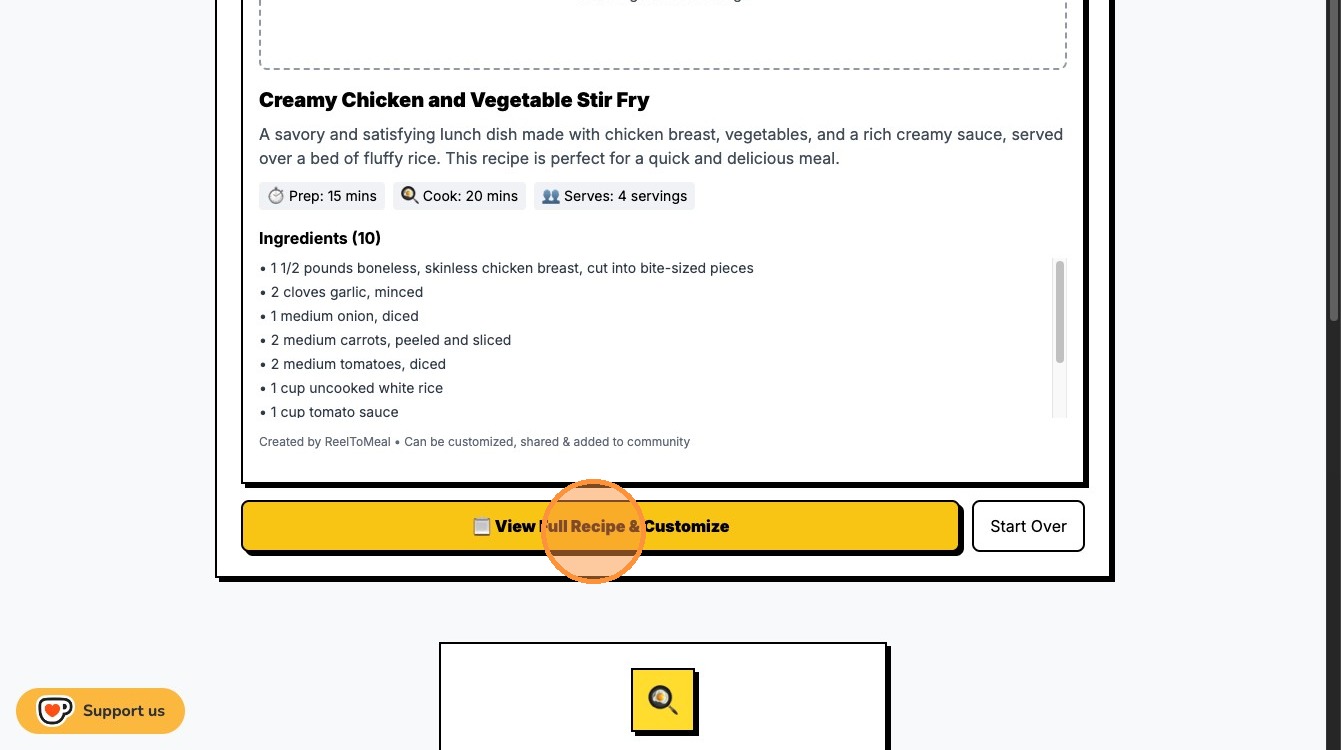
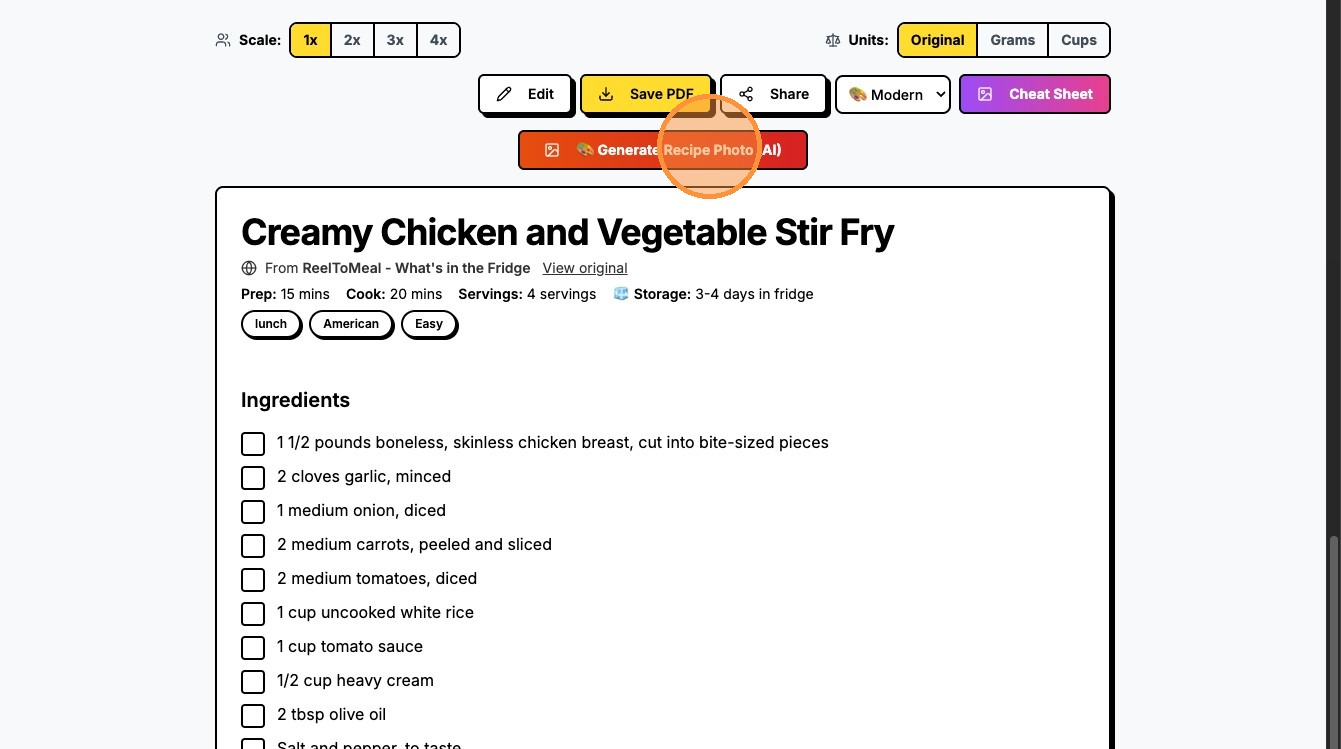
17\. Get the Details: Click "📋 View Full Recipe & Customize" to see your creation.
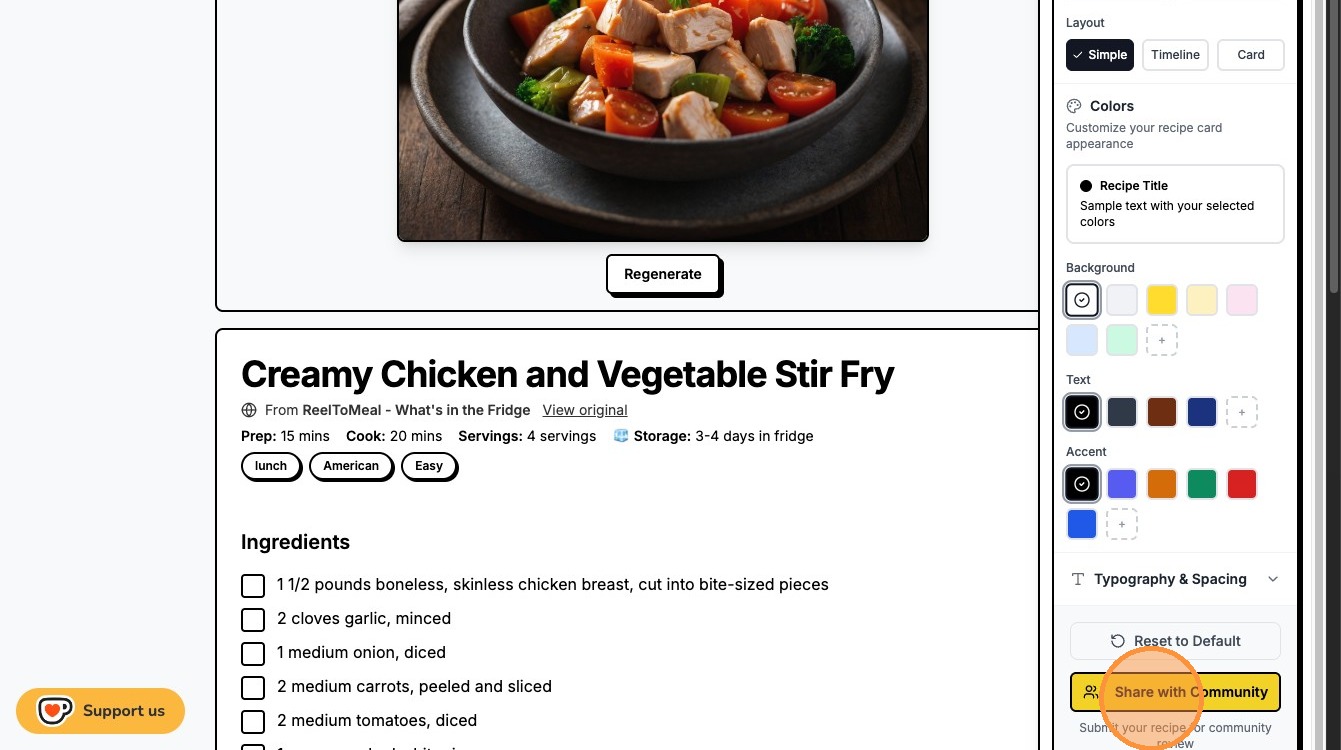
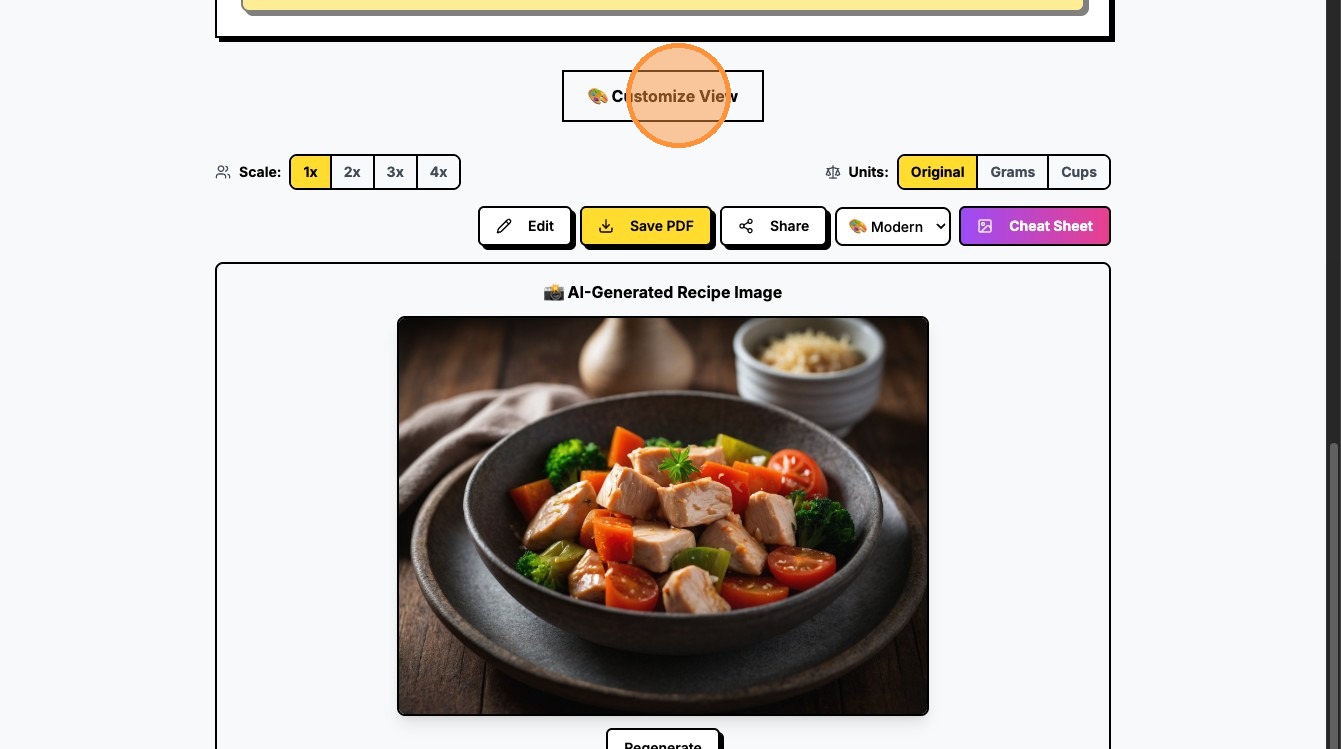
18\. Eye Candy: Click "🎨 Generate Recipe Photo (AI)" to see a mouth-watering preview.
19\. Personalize: Click "🎨 Customize View" to make the layout just right for your screen.
20\. Flex on the World: Hit "Share with Community" to inspire other home chefs!